
Multi-Currency
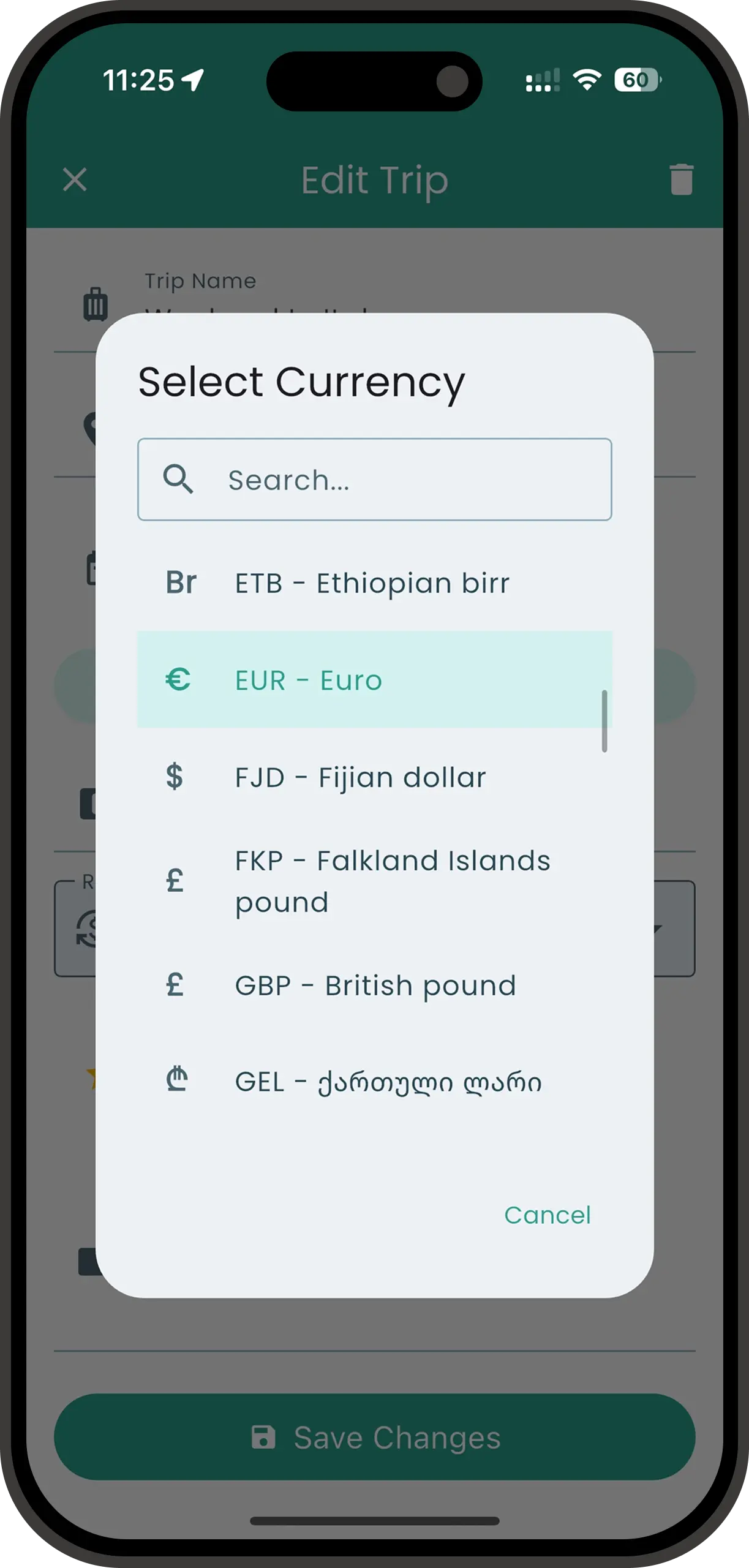
Track Spending in Any Currency
Spentrip supports multiple currencies so you can record expenses exactly as they happened, in the local currency. Whether you're traveling abroad, managing international business expenses, or living as an expat, every amount is stored exactly as you entered it, and Spentrip converts it into your trip's currency so the totals still add up.
How It Works
Trip Currency
Each trip has its own currency, chosen when you create the trip and changeable afterwards. Every total, chart and budget for that trip is shown in it.
Expenses in Any Currency
Cross a border mid-trip and you can switch the currency on any single expense. It keeps the amount you entered, with an approximate value in the trip's currency shown beside it.
Different Trips, Different Currencies
Create separate trips for each destination and set the local currency. A trip to Japan uses yen, a trip to France uses euros — each trip tracks spending in the currency that makes sense.
Currency Defaults
Spentrip uses smart defaults to save you time, while still letting you change the currency on any receipt.
- Recent currency -- when you type in an expense by hand, it starts in the currency of your last one, so a run of entries in the same country needs no picking.
- Trip currency -- with no recent expense to go on, a new expense takes the currency of the trip you are adding it to.
- Default currency -- set your preferred currency in Settings. It applies outside of any trip.
Tips & Details
- Amounts are stored exactly as you enter them. A converted value appears next to the original, never in place of it.
- Reports display the currency symbol or code alongside each amount, so you always know what currency you're looking at.
- Converted figures in the app are approximate. PDF expense reports convert each expense at the rate for the day you spent it, so use those when the numbers have to be exact.
- Reports total everything in the trip's currency, and there is no breakdown grouped by currency. To keep each country's spending in its own currency, give each country its own trip.
- Great for travelers, international business, and expat life. Record a lunch in euros, a taxi in pounds, and groceries in dollars -- all in the same account.