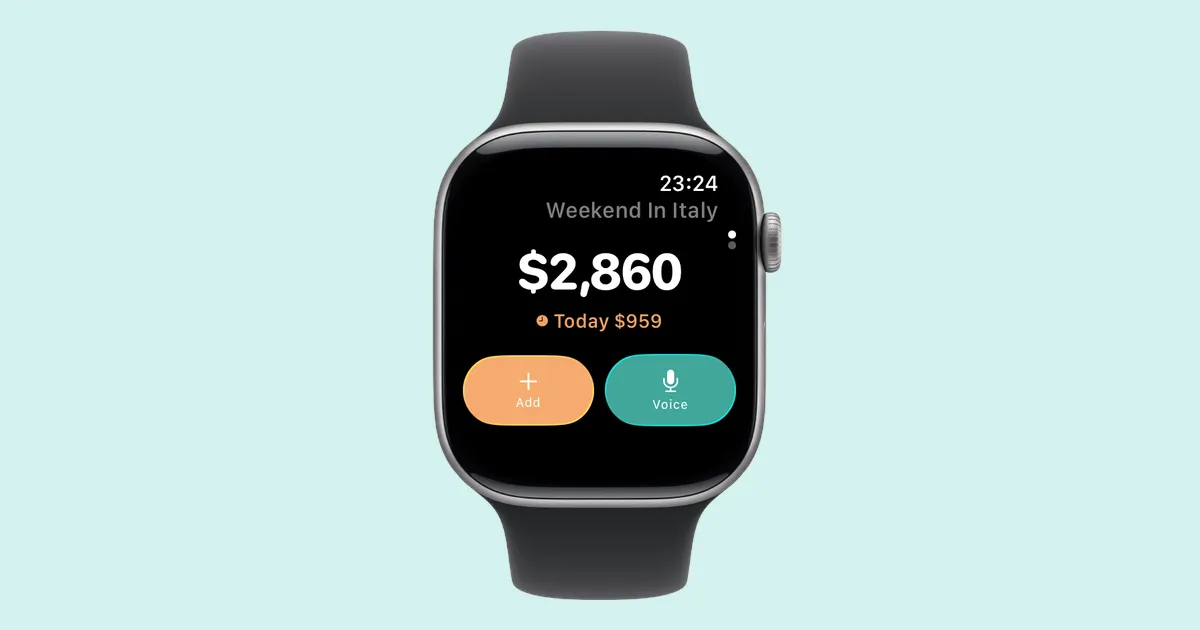
Log Expenses From WhatsApp and Telegram
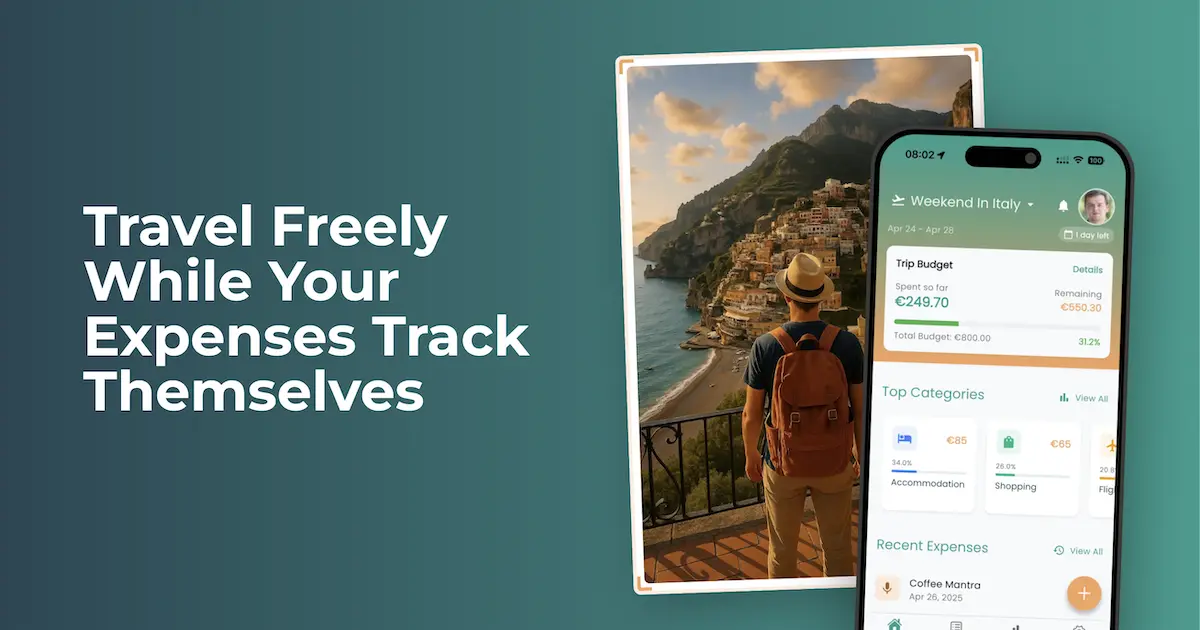
Expense tracking fails in one specific place: the gap between paying for something and writing it down. You hand over cash for a taxi, you fully intend to log it, and by the time you’ve dug your phone out and found the right screen the moment has passed. Do that three times in a day and the habit is dead by Thursday.
So we put Spentrip where your hands already are. There’s now a bot on WhatsApp and one on Telegram, and both of them turn a chat into an expense log.
Send it however you want
Type 18 EUR paella in Barcelona and you’re done. Or photograph the receipt and send that instead — the same AI that reads receipts in the app reads the ones you send the bot, right down to the individual line items. Forward the PDF invoice your hotel emailed you. Hold the mic and say it out loud, which is the one to use when you’re carrying luggage in both hands.
Telegram takes one more: paste a link to an online receipt and the bot fetches the page. Booking confirmations that only ever exist as a web page have always been awkward to capture, and now they aren’t.
Everything lands in your trip, categorized, and shows up in the app the way any other expense would. You can edit it, tag it, put it in a report. On a work trip that’s most of the job — what a business travel expense app needs to do when you travel alone goes through the rest.
The group chat part
This is the one worth paying attention to if you travel with other people.
Every shared trip already has a group chat — the one where the plans got made and the photos get posted afterwards. Add @spentrip_bot to it, have the trip owner send /link, and from that moment everyone in the chat can log what they paid for. No account. No install. Nothing to sign up for. Someone buys the train tickets, types /add 96 EUR train tickets, and it’s on the trip.
Think about what that replaces. The usual approach is asking four people to download an app, create accounts, and then remember to use it for two weeks — which is exactly why shared expense tracking so often ends up as a spreadsheet that one person maintains and everyone else ignores. The subscription sits with the trip owner. Everyone else just talks in a chat they were already talking in.
You can start before you install anything
Both bots work without a Spentrip account. Message the WhatsApp bot and start logging — it quietly sets up an account behind the scenes tied to your number. Later, when you want the charts and the reports and the PDF exports, send /signup and everything you’ve already logged comes with you.
That felt like the honest way to build it. Asking someone to install an app before they can find out whether they like the idea is a lot to ask for a taxi fare.
Getting started
If you have the app, open Settings → WhatsApp or Settings → Telegram and you’ll get a code to send the bot. If you don’t, start at spentrip.app/whatsapp or message @spentrip_bot directly.
Send /help to either one at any point and it’ll tell you what it understands. The help articles for WhatsApp and Telegram go through the commands, the hashtag syntax for tags and trips, and how to disconnect.
Ten receipts are free on each bot, counted separately from the app.