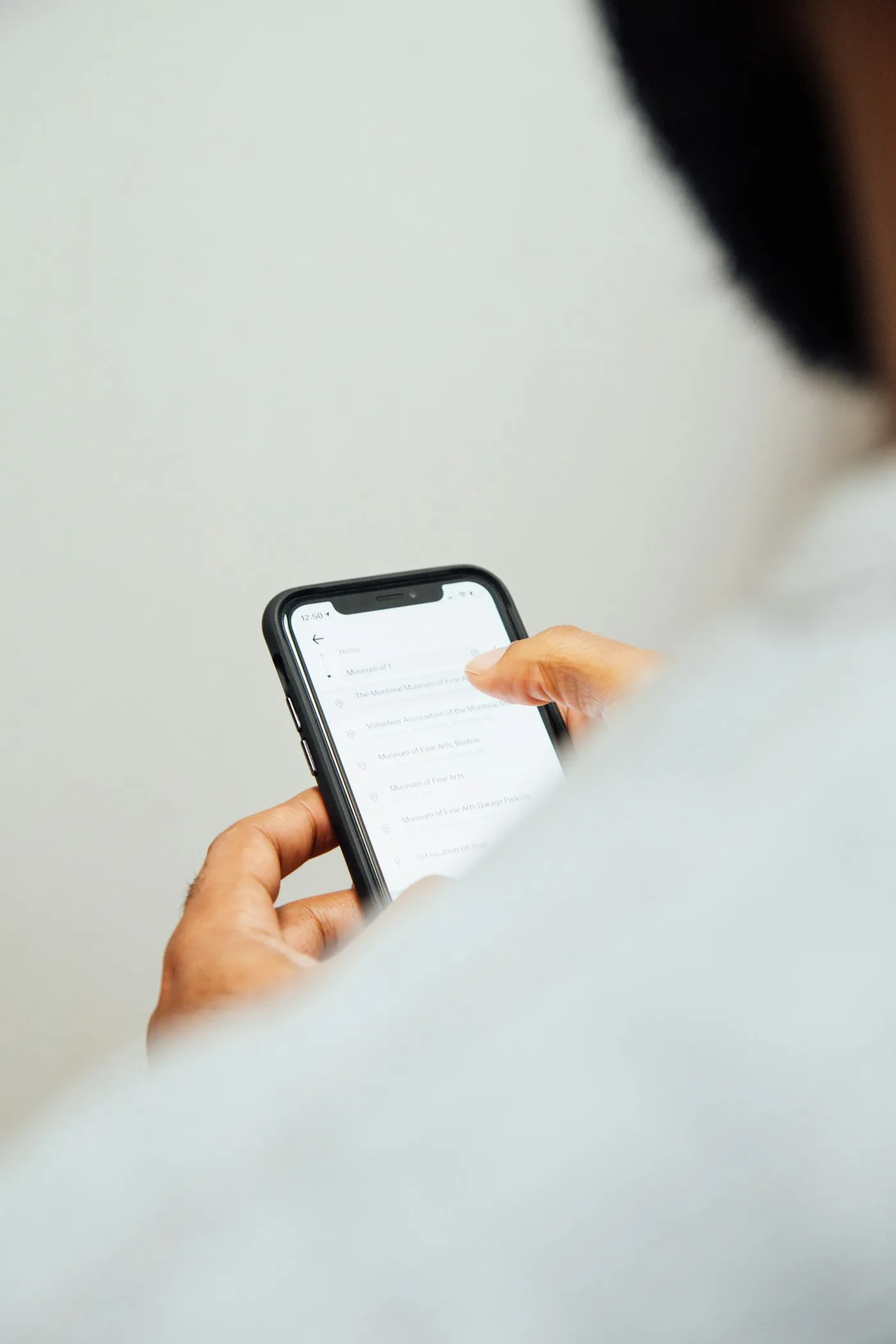
How to Keep Track of Receipts While Traveling
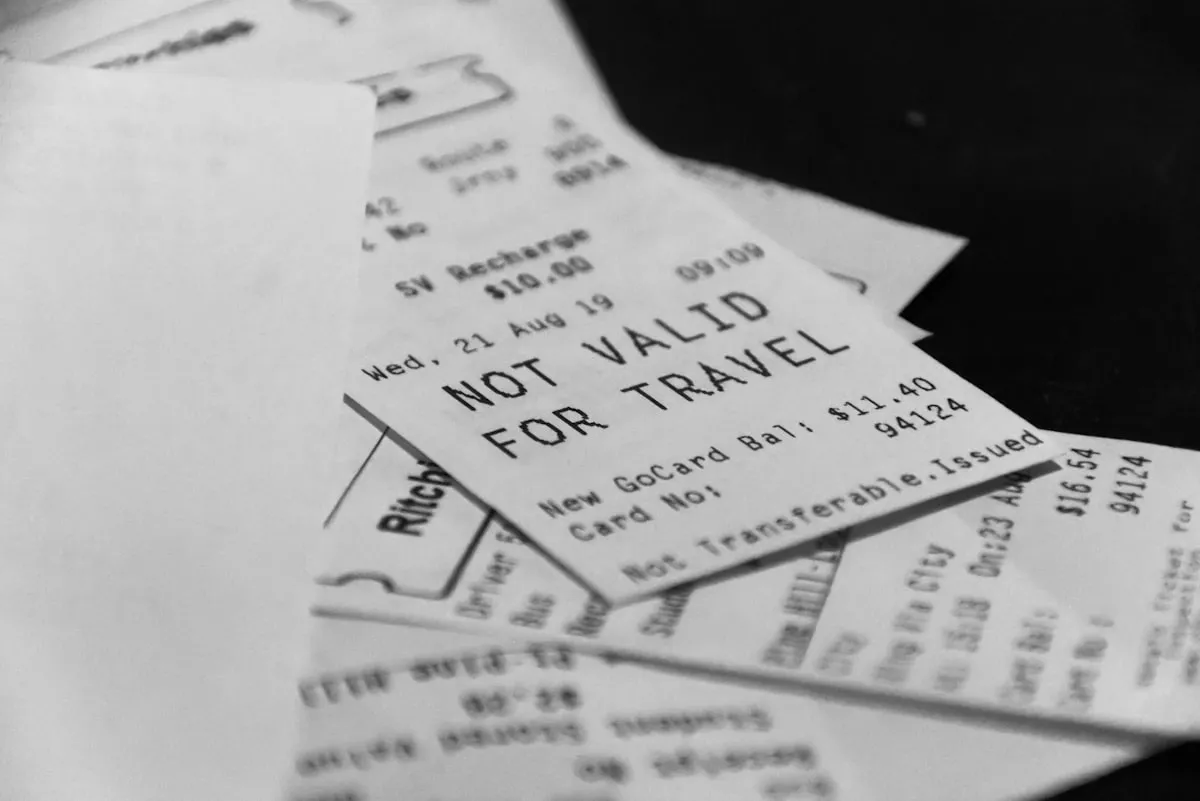
Photo by Duskfall Crew on Unsplash
The best way to keep track of receipts while traveling is to photograph each one within a minute of getting it, then throw the paper away. Everything else — the envelope in your bag, the pocket in your suitcase, the pile you’ll deal with on Sunday — fails for the same reason: it defers the work to a moment when you no longer remember what the receipt was for.
Thermal receipts also fade. A receipt from a hot afternoon in Bangkok can be blank by the time you’re home, and there’s no recovering it.
Here’s a system that survives contact with an actual trip.
Why travel receipts are harder than normal ones
At home, receipts arrive one at a time in a currency you understand from shops you recognise, and your bank statement backfills anything you lose.
On a trip, four things change at once. The volume goes up — a two-week trip can generate sixty receipts. Half of them are cash, so no statement exists. Many are printed in a language and script you can’t read. And the amounts are in a currency where you have no instinct for whether ¥3,400 was reasonable.
Any system that works at home tends to collapse under those four conditions.
The system
1. Photograph at the point of sale. Not later. While you’re still standing there and know that this was lunch, not the taxi. Ten seconds, done.
2. Capture the whole receipt, flat, in decent light. Corners visible, no shadow across the total. Scanning software fails on curled thermal paper photographed in a dark restaurant, and so will you in three months.
3. Log the amount at the same time. A photo alone is a file you’ll have to process later. A photo plus an amount and a category is a finished record.
4. Keep the paper only if you have to. Two cases: a VAT refund claim, and an employer or tax authority that requires originals. Otherwise the photo is the record and the paper is landfill.
5. Reconcile once, at the end of each day. Five minutes, not an hour on the flight home. Catch the ones you missed while you can still reconstruct them.
Foreign-language receipts
This is the part that defeats most people, and it’s worth solving deliberately rather than hoping.
A receipt from Japan, Thailand, Greece, or the UAE may contain no Latin characters at all. You can’t read the merchant, you can’t identify the date format, and you often can’t tell the total from the tax line. Six weeks later it’s an unidentifiable slip of paper with a number on it.
Two things help. First, capture the context at the time — a one-word note (“dinner, Kyoto”) turns an unreadable receipt into a usable record. Second, use scanning that handles non-Latin scripts rather than generic OCR, which is usually trained on Latin-alphabet business receipts and produces confident nonsense on Japanese or Thai.
What to keep for taxes and reimbursement
The rules vary by country and by employer, but the general shape holds:
- Employer reimbursement — almost always wants an itemised receipt, not a card slip. The card slip proves you paid something; the itemised receipt proves what for.
- Self-employed deductions — keep the receipt, the date, the amount, the merchant, and the business purpose. The last one is what people forget and what auditors ask about.
- VAT and sales tax refunds — need the original paper receipt plus a stamped refund form, processed at the airport before you leave. A photo is worthless here.
- Retention periods — commonly three to seven years depending on jurisdiction. Digital copies are generally acceptable, but check your own tax authority’s rules rather than assuming.
If the trip was for work and you were the only person on it, there’s a longer piece on how that specific situation differs from both corporate travel and holiday tracking.
Why thermal paper is a real problem
Most receipts are printed on thermal paper, which develops its image with heat rather than ink. Heat also destroys it. A receipt left in a car, a sunny windowsill, or a bag in a hot climate can fade to blank in weeks. Receipts stored against each other, or in contact with certain plastics, transfer and smudge.
This isn’t hypothetical. Anyone who has opened an envelope of receipts from a summer trip has found at least one blank rectangle where a hotel bill used to be. Photograph on the day and the problem disappears.
Apps that handle it
Several categories overlap here, and they’re not interchangeable:
- Note or photo apps — free and universal, but you end up with a camera roll of pictures and no totals. Fine for keeping proof, useless for knowing what you spent.
- Dedicated receipt scanners — Expensify’s SmartScan is the mature option, built around Latin-alphabet business receipts and corporate approval flows.
- Accounting tools — QuickBooks and similar scan receipts well, but they’re built for bookkeeping rather than trips, and they won’t organise by journey.
- Travel expense trackers — organise by trip, convert currencies, and categorise, with scanning quality that varies a lot between apps.
How Spentrip handles it
Spentrip was built around the foreign-receipt problem specifically. Photograph a receipt in any language — Japanese, Thai, Arabic, Greek, Chinese — and it extracts the total, the merchant, the date, and the individual line items, then converts the amount to your home currency at that day’s rate. Both figures are stored, so the record makes sense whether you’re reading it during the trip or a year later.
Receipts attach to the expense, and the expense attaches to the trip. At the end you can generate a PDF report with every receipt image inline, which is usually what a finance team or a tax filing actually wants — the number and the proof in one document.
If your hands are full, you can also forward a receipt by email, or send it to the WhatsApp or Telegram bot, and it lands in the trip without opening the app. Manual entry, currency conversion, categorisation, and PDF summaries are free; receipt scanning and the full reports with attached images are premium.
Common questions
What’s the best way to organize receipts while traveling?
Photograph each receipt immediately, log the amount and a one-word note at the same time, and discard the paper unless you need it for a VAT refund or an employer that demands originals. Reconcile once at the end of each day rather than at the end of the trip.
Do I need to keep paper receipts if I have photos?
For most purposes, no — digital copies are widely accepted for tax and reimbursement, though you should confirm your own jurisdiction’s rules. The two clear exceptions are VAT and sales-tax refund claims, which require the original paper and a stamped form processed before you leave the country, and employers whose policy explicitly demands originals.
How do I read a receipt in a language I don’t speak?
Use scanning built for non-Latin scripts rather than generic OCR, which tends to fail confidently on Japanese, Thai, and Arabic. Whatever tool you use, add a one-word note at the time of purchase — that note does more work six weeks later than any amount of translation.
What’s the best free receipt scanner app?
Free tiers in this category are mostly limited by volume — a set number of scans per month — rather than by capability. For occasional receipts a free tier is genuinely enough. For a two-week trip generating sixty receipts, most free tiers run out partway through, so check the monthly cap before you rely on one.
How long do thermal receipts last?
Anywhere from a few months to a couple of years, and far less in heat. Direct sunlight, a hot car, or a bag in a tropical climate can blank a receipt in weeks. Any receipt you need to keep should be photographed the day you get it.
How many receipts should I expect on a two-week trip?
Typically forty to seventy, depending on how much you eat out and whether you’re paying cash. That volume is the reason batch-processing fails — by the time you have sixty slips of paper, sorting them is an hour of work you’ll keep postponing.
The whole system rests on one habit: photograph it before you put your wallet away. Everything downstream — the categories, the conversions, the report — is automatic. The only step that requires you is the ten seconds while the receipt is still in your hand.